Beyond the Browser: Control Your Analytics Data with Our New GA4 Traffic Service
In the world of digital marketing, data is currency. Whether you are an SEO specialist, a marketing agency, or a SaaS founder, seeing those real-time active users in Google Analytics is the heartbeat of your campaign.
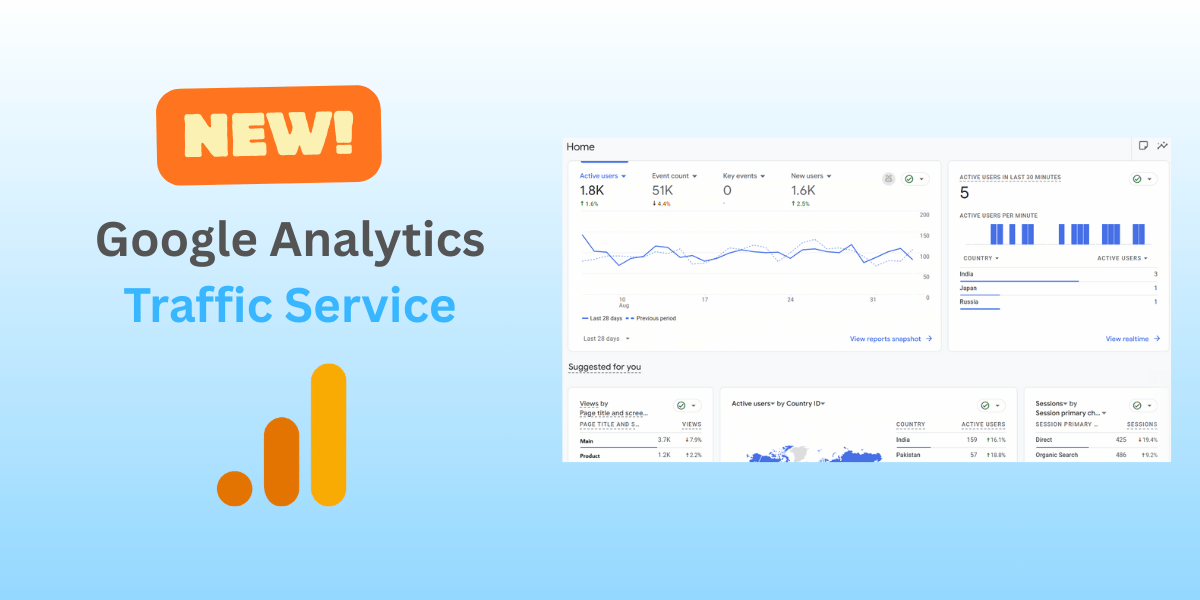
Today, we are thrilled to announce the biggest update to TrafficBot.co since our launch: Google Analytics Traffic.
While our Browser Simulation service is perfect for generating realistic, full-render visits to test your site’s load and general performance, and our Social Media service boosts your social proof, our new Google Analytics Traffic service is built for one specific goal: Precision.
This isn’t just about sending hits to a URL; it’s about crafting the exact data story you want to see in your reports.
Why Google Analytics Traffic?
As Google Analytics 4 (GA4) becomes the standard, “dumb” traffic no longer cuts it. You need traffic that understands events, engagement time, and attribution. We dug deep into the mechanics of GA4 to build a tool that gives you God-mode control over your analytics.
Here is what makes this new service a game-changer:
1. Hyper-Targeted Locations (Down to the City)
Most traffic bots stop at the country level. We didn’t. Based on our new engine, you can now target specific Countries and Cities. Need to simulate a surge of traffic specifically from New York or London to test local SEO campaigns? Now you can.
2. Master Your Attribution with Custom UTMs
One of the most powerful features we’ve unlocked is full UTM Parameter support. You aren’t just sending “direct” traffic anymore. You can configure:
- Source: (e.g.,
newsletter,google) - Medium: (e.g.,
cpc,email) - Campaign Name: (e.g.,
spring_sale) - Content: (e.g.,
logolink)
This allows you to test your tracking implementation and verify that your attributing reporting is working exactly as it should.
3. “Human” Behavior by Design
Flat-line traffic looks suspicious. Real human traffic fluctuates. We’ve built Natural Fluctuation directly into the core of this service.
- Fluctuate Event Rate: Add random variance to your daily event limits so traffic volume looks organic day-to-day.
- Fluctuate Duration: Ensure every session doesn’t last exactly 10 seconds. We randomize visit times based on your parameters.
- Daily Scheduling: Traffic patterns change on weekends. Our new Daily Rates slider lets you adjust traffic volume intensity for every day of the week (Monday through Sunday) independently.
4. Quality Control Metrics
You define the quality of the traffic.
- Bounce Rate Control: Want to signal high engagement? Lower your bounce rate. Want to stress-test high churn? Raise it.
- Device Splitting: Control the exact percentage of Mobile vs. Desktop users to match your target demographic.
- Session Duration: Set the maximum time users stay on site, from quick 5-second glances to deep 5-minute sessions.
Who is this for?
- Agencies: Demonstrate the potential impact of campaigns to clients with visualized data.
- SEO Professionals: Safely improve behavioral metrics like “Time on Page” and reduce “Bounce Rate” to send positive user-signal cues to search engines.
- Developers: Stress-test your GA4 implementation and event triggering without waiting for live users.
Get Started
The Google Analytics Traffic service is live right now on your dashboard. You just need your Tracker ID (G-XXXX) and a vision for your data.
We can’t wait to see how you use this to take your analytics to the next level.