Introducing the TrafficBot API: Automate Your Traffic Campaigns Programmatically
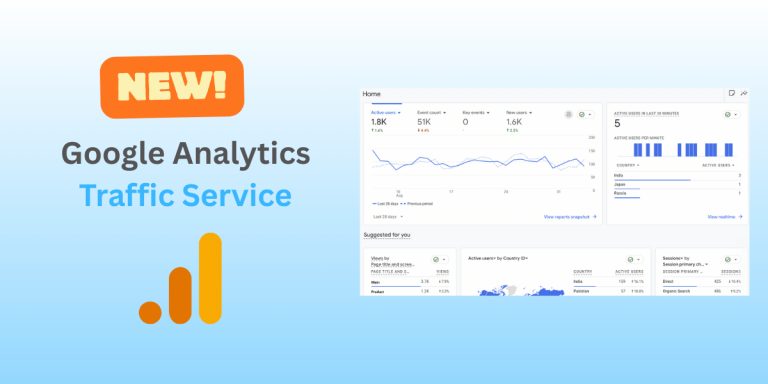
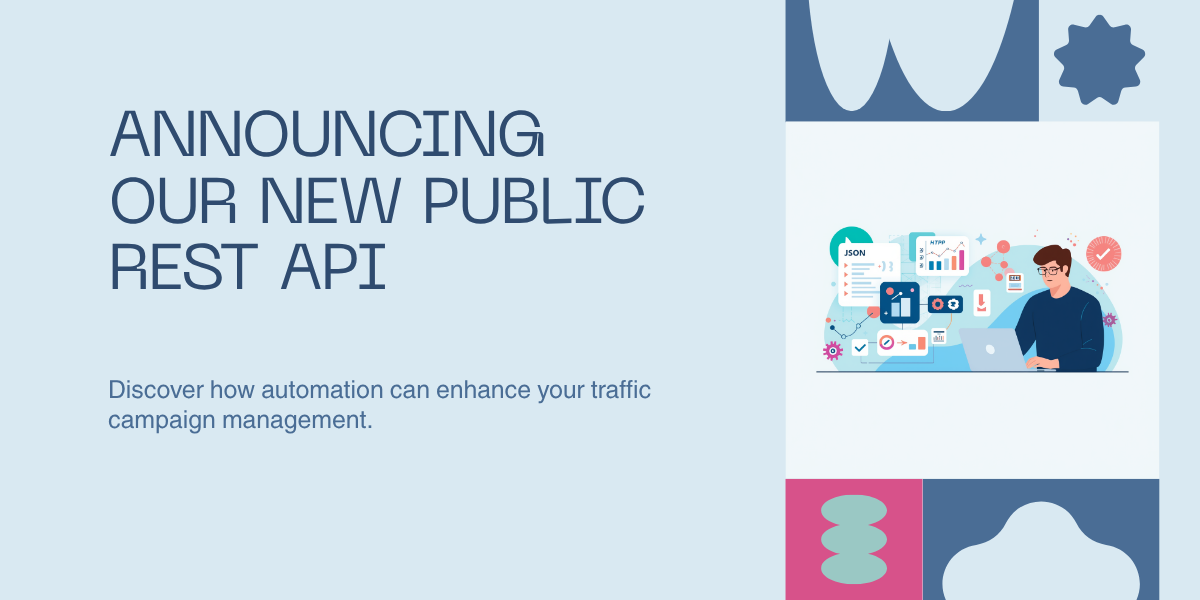
We’re excited to announce that the TrafficBot API is now live. You can manage Google Analytics and Browser Simulation campaigns directly from your own scripts, tools, and workflows, no more clicking through the dashboard for every change.
If you’ve ever wanted to provision campaigns from a deploy, sync them from a CRM, or run reports straight into your data warehouse, this is the release you’ve been waiting for.
Explore the API documentation →
What’s new
The first public version of the TrafficBot API gives you full programmatic control over your account:
- Create, update, toggle, and delete Google Analytics campaigns
- Create, update, toggle, and delete Browser Simulation campaigns
- Pull hourly performance reports for any campaign
- Read your account info and credit balances
Everything you can do in the dashboard, you can now do over a clean REST interface — same business rules, same validation, same results.
What you can build with it
Plug TrafficBot into the tools you already use. Wire campaign management into Zapier, Make.com, n8n, GitHub Actions, or a short Python script. Launch a campaign when a landing page goes live. Pause campaigns when credits get low. Push hourly reports into Looker, BigQuery, or Google Sheets on a schedule.
Manage clients at scale. If you’re running TrafficBot on behalf of multiple clients, the API turns repetitive setup into a templated, version-controlled process. Define a campaign config once, loop over your client list, and provision dozens of campaigns in seconds. Reporting works the same way — one dashboard pulling from every account.
Build your own internal tooling. Use the API as the backbone for custom dashboards, alerting rules, or approval workflows. With a typed OpenAPI 3 spec, generating an SDK in your language of choice takes minutes.
Built with security and reliability in mind
Every API request is authenticated with a personal access token that you mint from your dashboard. Tokens are scoped to specific abilities — read, write, or delete — across each service, so a reporting bot can never accidentally remove a campaign. Tokens can have an expiry date and are one-click revocable any time.
Tiered rate limits keep the platform responsive for everyone, with clear 429 responses and Retry-After headers when you hit them. The full OpenAPI 3 specification is published at /api/v1/openapi.json and rendered as interactive docs at /docs/api.
The API is versioned under /api/v1/, and we’re committed to backward compatibility — any breaking change ships under a new version with a documented deprecation window.
What’s coming next
This is the foundation. On the roadmap:
- Native MCP server support — letting AI assistants like Claude and ChatGPT manage your campaigns through the Model Context Protocol, no glue code required. (Planned for a future release.)
- Webhook support for campaign lifecycle events.
- Bulk operations to create or update many campaigns in a single request.
If there’s something you’d like to see, we’d love to hear from you.
Get started in three steps
- Sign in to your TrafficBot account and visit
/dashboard/api-tokensto create your first token. - Skim the live reference at
/docs/api— it includes every endpoint, every field, and copy-pasteable examples. - Send your first request and start automating.
We can’t wait to see what you build. If you ship something cool, tell us about it — we may feature it.
Happy automating.